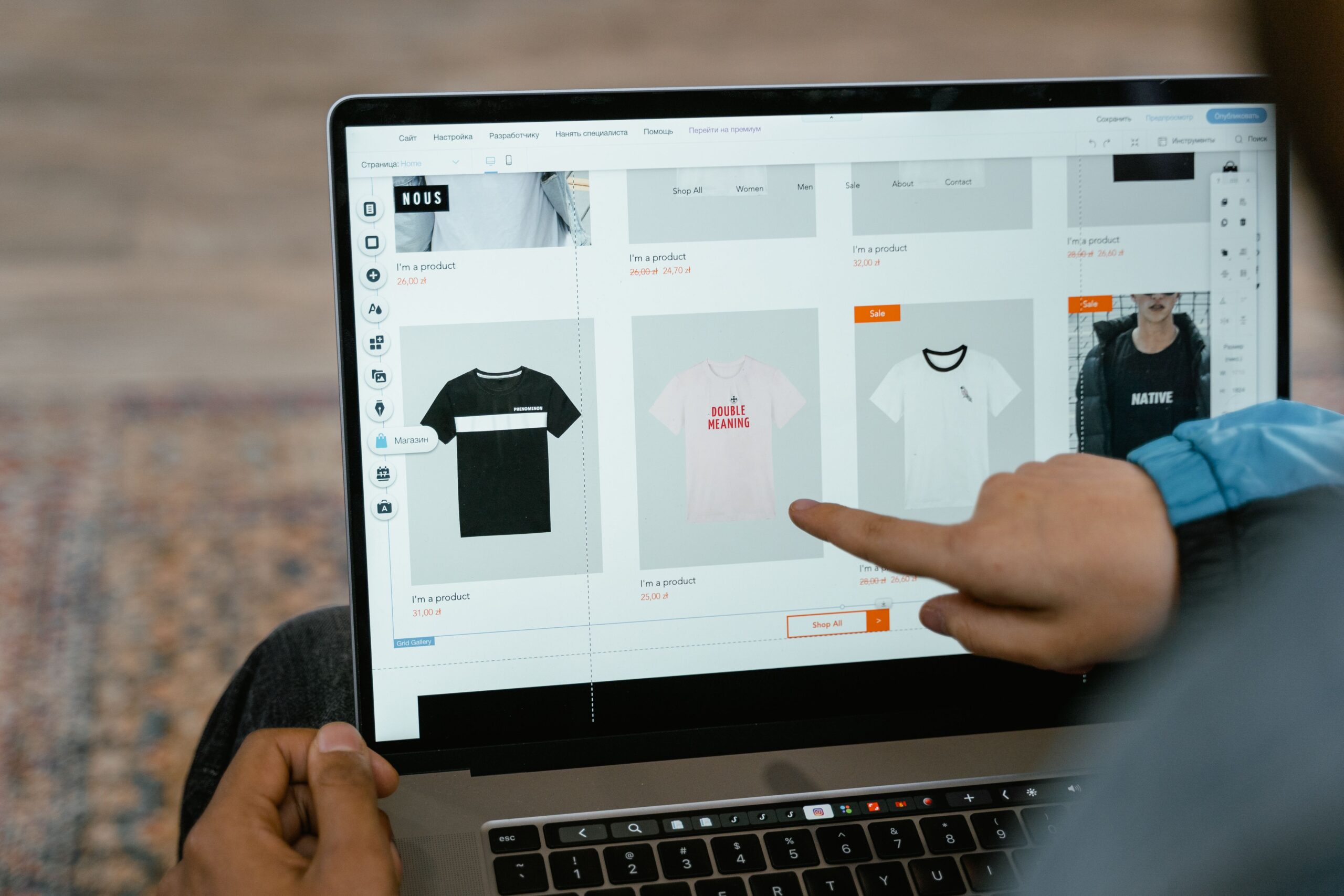

Your website is one of the most important tools your business has.
It’s often the first place potential customers go to find out who you are, what you offer and whether they should do business with you.
But if you’re starting a business or looking to improve your current website, there’s one big question:
Which website builder should you use?
There are plenty to choose from — Wix, Squarespace, WordPress, Shopify and more. They all have different strengths, costs and levels of flexibility.
The right choice really comes down to what you need your website to do, your budget and how much control you want.
So, let’s look at some of the most popular website builders for small businesses.
What should you look for in a small business website builder?
Before choosing a platform, think about what you actually need.
At a minimum, your website should be:
- Easy for customers to navigate
- Mobile-friendly
- Professional-looking
- Fast and reliable
- Secure
- Easy for you to update
- SEO-friendly
- Able to grow with your business
You should also consider whether you need features such as:
- Online payments
- Ecommerce
- Booking systems
- Contact forms
- Email marketing
- Blogging
- Memberships
- Integrations with other business tools
Don’t choose a platform simply because it has hundreds of features.
Choose one that makes sense for your business.
Wix — Best for DIY Small Business Websites
Wix is a popular choice for small businesses that want to build their own website without needing to code.
Its drag-and-drop editor makes it relatively easy to create and customise a website, and Wix includes built-in tools for SEO, forms, marketing and ecommerce. (wix.com)
Best for:
- Small service businesses
- Beginners
- DIY website owners
- Businesses that want flexibility
- Businesses that may add ecommerce later
Our take: If you want to build your own website and don’t want to get too technical, Wix is a strong all-round option.
Squarespace — Best for Design
Squarespace is particularly popular with businesses where visual presentation matters.
Think photographers, designers, creatives, consultants and personal brands.
Its templates are polished and professional, while the platform includes tools for websites, blogging, ecommerce and SEO. (Squarspace)
Best for:
- Creatives
- Photographers
- Designers
- Personal brands
- Professional service businesses
- Businesses that want a polished look
Our take: If the look and feel of your website is a major priority, Squarespace is worth considering.
WordPress — Best for Flexibility
WordPress is a different proposition.
It offers enormous flexibility and can be used for everything from a simple business website to a large, content-heavy website or ecommerce store.
The trade-off is that there’s generally more to manage.
You’ll need to think about hosting, themes, plugins, updates, security and backups.
Best for:
- Content-heavy websites
- Blogs
- Businesses wanting maximum flexibility
- Businesses with a developer
- Websites that need custom functionality
Our take: WordPress can be incredibly powerful, but it isn’t necessarily the best choice for someone who simply wants a straightforward website they can manage themselves.
Shopify — Best for Ecommerce
If your business is primarily selling products online, Spotify should be high on your list.
Shopify is built around ecommerce and includes tools for products, payments, inventory, shipping and online selling. Current website-builder comparisons consistently position Shopify as a leading option for ecommerce businesses. (Shopify)
Best for:
- Online stores
- Product-based businesses
- Businesses with larger product ranges
- Businesses planning to scale ecommerce
Our take: If selling products online is the main purpose of your website, we’d look at Shopify before choosing a general website builder.
If you’re a service business that simply needs a few pages and a contact form, Shopify is probably more than you need.
What about website builders such as GoDaddy?
GoDaddy is another option worth considering if you want something relatively straightforward.
It’s aimed at small businesses and combines website-building with other services such as domains, hosting and marketing tools.
Best for:
- Very simple websites
- Beginners
- Businesses wanting their domain and website services together
Our take: It’s worth comparing, but don’t automatically choose the platform that makes the most things available in one place. Look at what you’ll actually use.
Don’t forget SEO
Choosing a website builder isn’t just about how your website looks.
You also need people to be able to find it.
SEO — or search engine optimisation — helps search engines understand your website and its content.
At a basic level, your website should have:
- Clear page titles
- Useful headings
- Relevant keywords
- Descriptive URLs
- Good-quality content
- Optimised images
- Internal links
- Mobile-friendly pages
- Fast loading times
- Clear information about your business
Google recommends creating helpful, people-first content and making it easy for search engines to understand your pages.
This is why SEO should be considered when you’re building the website — not six months afterwards.
What keywords should your website target?
This is another area where small businesses can make a big difference.
Don’t make every page about the same keyword.
Think about what your customers are actually searching for.
For example, instead of trying to rank your entire website for:
“marketing”
a Sydney marketing business might have pages targeting:
- Small business marketing Sydney
- Digital marketing services
- SEO services
- Social media marketing
- Website strategy
Your homepage can target your broader business offering, while individual service pages target more specific searches.
One page doesn’t need to rank for everything.
Your website doesn’t need to be huge
One of the biggest mistakes small businesses make is thinking they need a massive website.
You probably don’t.
For many businesses, a great starting point could be:
Home
Clearly explain what you do and who you help.
About
Tell people who you are and why they should trust you.
Services or Products
Explain exactly what you offer.
Contact
Make it easy for people to get in touch.
Blog
Useful if you want to build SEO and provide helpful information.
You can always add more pages as your business grows.
So, which website builder should you choose?
There’s no single best website builder for small business.
It depends on what you’re building.
| Platform | Best for |
|---|---|
| Wix | DIY small business websites |
| Squarespace | Design-focused businesses |
| WordPress | Flexibility and content-heavy websites |
| Shopify | Ecommerce |
| GoDaddy | Simple websites and beginners |
Current 2026 comparisons similarly highlight Wix as a strong all-round small-business option, Squarespace for design-led sites, WordPress for flexibility and Shopify for ecommerce. (TechRadar)
Our advice: don’t overcomplicate it
If you’re starting a small business, your website doesn’t need to be perfect.
It needs to be professional, easy to use and easy for customers to find.
Choose a platform you can actually manage.
Make sure it works well on mobile.
Think about SEO from the beginning.
Write content that answers your customers’ questions.
And don’t spend your entire budget on fancy features you don’t need.
The best website builder is the one that fits your business — not necessarily the one with the longest list of features.
Useful website tools to explore
If you’re looking at building or improving your website, these are worth putting on your list:
- Wix — DIY websites and small business websites
- Squarespace — Design-focused websites
- WordPress — Flexible websites and blogs
- Spotify — Ecommerce
- GoogleSearch Central — SEO guidance and resources
- Google Search Console — Monitor your website’s performance in Google Search
Remember: Some of these platforms offer affiliate programs, so if you see an affiliate link on our site, we may receive a commission if you purchase through it. This doesn’t change our recommendations — we only recommend tools we believe are worth considering.