
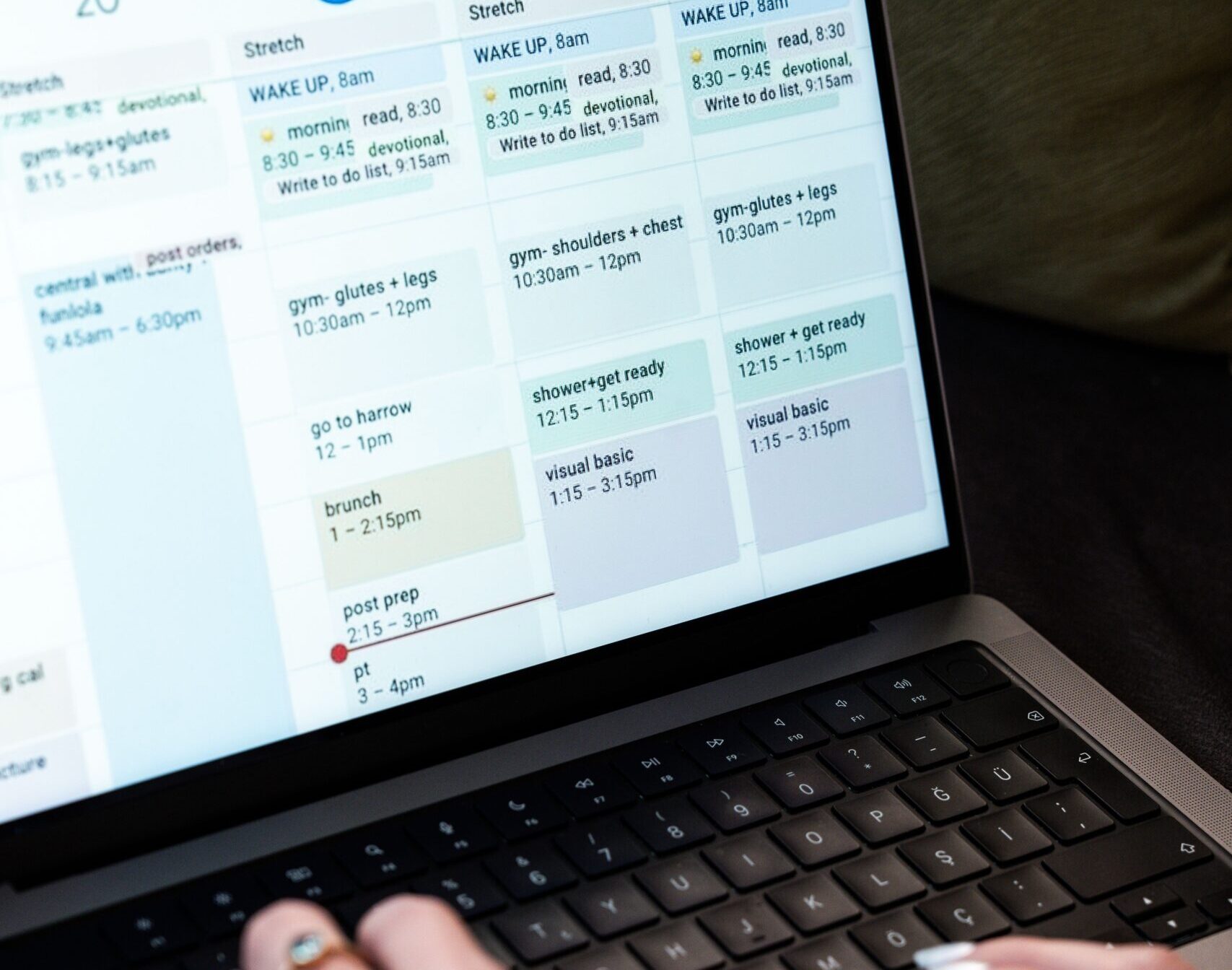
Running a small business often means doing the work of several people.
You’re the owner, marketer, administrator, customer service team, content creator and sometimes even the IT department.
The right productivity tools can help you organise the chaos, automate repetitive tasks and spend more time on the work that actually grows your business.
But there is a catch.
You don’t need 20 different apps to run a successful business.
The best productivity tools are the ones that solve a specific problem without creating more work.
In this Start Stronger guide, we’re looking at some of the most useful productivity tools for small business owners — from managing tasks and projects to organising documents, communication and everyday business activities.
Affiliate disclosure: Some links in this article may be affiliate links. If you purchase through one of these links, we may receive a commission at no additional cost to you. We only recommend tools and services that we believe may provide genuine value to small business owners.
What should a small business productivity tool do?
Before choosing another app, think about what you actually need help with.
A good productivity tool should ideally help you:
- Save time
- Stay organised
- Reduce repetitive tasks
- Keep information in one place
- Communicate more effectively
- Track important tasks
- Manage deadlines
- Collaborate with others
- Automate routine processes
- Reduce the amount of work you have to remember
The goal isn’t to collect apps.
The goal is to create a simpler way of working.
1. Microsoft 365 — Best for an all-round business setup
If you’re looking for a collection of everyday business tools rather than a single productivity app, Microsoft 365 is worth considering.
It brings together tools such as:
- Outlook
- Word
- Excel
- PowerPoint
- OneDrive
- Teams
- OneNote
For many small businesses, having email, documents, spreadsheets, file storage and communication tools in one ecosystem can make day-to-day work much easier.
Best for
Small businesses that want a familiar, professional productivity suite.
Useful for
- Business email
- Documents
- Spreadsheets
- File storage
- Meetings
- Team communication
- Business administration
Our take
If you’re setting up a business from scratch and want an established productivity ecosystem, Microsoft 365 is a strong option.
2. Google Workspace — Best for cloud-based collaboration
Google Workspace is another popular all-in-one option.
It includes tools such as:
- Gmail
- Google Drive
- Google Docs
- Google Sheets
- Google Slides
- Google Meet
- Google Calendar
One of its biggest advantages is collaboration.
Multiple people can work on documents and spreadsheets without emailing different versions back and forth.
Best for
Businesses that prefer working primarily in the cloud.
Useful for
- Business email
- Shared documents
- Online storage
- Collaboration
- Meetings
- Calendars
- Team communication
Our take
Google Workspace can be particularly useful for businesses that work remotely or collaborate with freelancers, contractors and virtual teams.
3. Trello — Best for simple task management
Sometimes you don’t need complicated project management software.
You just need to know:
What needs to be done?
That’s where Trello can be useful.
Trello uses boards, lists and cards to organise tasks visually.
For example, you could create:
Content Calendar
Ideas → Writing → Editing → Scheduled → Published
Or:
Customer Workflow
New enquiry → Contacted → Quote sent → Follow-up → Won → Completed
Best for
Solo business owners and small teams that want a simple visual task management system.
Useful for
- Content planning
- Project management
- Business processes
- To-do lists
- Customer workflows
- Team collaboration
Our take
Trello is a great place to start if traditional project management software feels overwhelming.
4. Asana — Best for managing bigger projects
Asana takes project management a step further.
You can organise tasks, projects, deadlines and responsibilities while giving your team a clearer overview of what’s happening.
It can be particularly useful once your business moves beyond a simple personal to-do list.
Best for
Small businesses managing multiple projects or working with a team.
Useful for
- Project management
- Assigning tasks
- Deadlines
- Team collaboration
- Content planning
- Business processes
Our take
If Trello starts feeling too basic, Asana is one option worth investigating.
5. ClickUp — Best for an all-in-one workspace
ClickUp aims to bring many different productivity functions together in one platform.
Depending on how you configure it, you can use it for:
- Tasks
- Projects
- Documents
- Goals
- Team collaboration
- Workflows
- Time management
This can be attractive if you’re trying to reduce the number of separate platforms you’re using.
Best for
Business owners who want a highly customisable productivity platform.
Useful for
- Project management
- Business planning
- Content calendars
- Team management
- Processes
- Task tracking
Our take
ClickUp can be powerful, but that flexibility can also make it feel more complicated.
Start with a simple setup rather than trying to use every feature.
6. Notion — Best for organising business information
Notion is less about traditional task management and more about creating a central workspace for your business.
You can use it to create:
- Business wikis
- Content calendars
- Procedures
- Notes
- Project pages
- Meeting notes
- Knowledge bases
- Business plans
- Resource libraries
For a small business owner, it can become a central place for information that would otherwise be scattered across notebooks, documents and different apps.
Best for
Business owners who want one organised place for their knowledge and processes.
Useful for
- Business documentation
- SOPs
- Content planning
- Notes
- Project management
- Knowledge management
Our take
Notion can be particularly valuable once you’ve started building repeatable processes.
7. Canva — Best for creating business content
Productivity isn’t just about task lists.
Creating marketing materials quickly is also a major time saver.
Canva allows business owners to create professional-looking:
- Social media graphics
- Presentations
- Flyers
- Business documents
- PDFs
- Lead magnets
- Advertisements
- Posters
- Simple videos
You don’t need to be a graphic designer to create useful marketing materials.
Best for
Small businesses that need to create their own visual content.
Useful for
- Social media
- Marketing
- Presentations
- Lead magnets
- Documents
- Branding
Our take
For many small businesses, Canva can replace the need to outsource every simple design task.
8. Calendly — Best for scheduling appointments
How many times have you exchanged several emails just trying to find a suitable meeting time?
Scheduling tools can remove that problem.
Instead of:
“Are you free Tuesday?”
followed by:
“No, what about Wednesday?”
you can send someone a booking link showing your available times.
Best for
Consultants, coaches, service businesses and anyone who regularly books appointments.
Useful for
- Consultations
- Sales calls
- Discovery calls
- Client meetings
- Interviews
- Appointments
Our take
A scheduling tool can be a surprisingly simple way to save time every week.
9. Zapier — Best for connecting your apps
This is where productivity starts becoming automation.
Zapier allows different applications to work together.
For example:
New website enquiry → add contact to CRM → send email notification → create follow-up task
Or:
New customer → add customer to spreadsheet → create project → send welcome email
Instead of manually moving information between systems, automation can handle some of the repetitive work.
Best for
Businesses that repeatedly move information between different applications.
Useful for
- Automating admin
- Lead management
- Customer onboarding
- Notifications
- Data entry
- Marketing workflows
Our take
You don’t need automation for everything.
Start by identifying one repetitive task you perform regularly and see whether it can be automated.
10. 1Password — Best for managing business passwords
Password management isn’t usually the first thing people think about when they hear “productivity”.
But it can save time while improving security.
Instead of trying to remember dozens of passwords, a password manager allows you to securely manage your login details.
This becomes increasingly important when you have:
- Multiple software subscriptions
- Business accounts
- Team members
- Contractors
- Client platforms
- Social media accounts
Best for
Any business owner managing multiple online accounts.
Useful for
- Password management
- Secure sharing
- Business account access
- Reducing password-related admin
Our take
Security and productivity often go hand in hand.
A secure system is easier to manage than a collection of passwords written down in different places.
So, which productivity tools do you actually need?
This is the important part.
You don’t need all of them.
A new business could start with something as simple as:
Basic setup
Email & documents: Microsoft 365 or Google Workspace
Tasks: Trello
Design: Canva
Scheduling: Calendly
Passwords: 1Password
Then add tools as your needs change.
Growing business
As your business becomes more complex, you might add:
Project management: Asana or ClickUp
Business knowledge: Notion
Automation: Zapier
CRM: A dedicated customer relationship management platform
The exact combination will depend on your business.
Don’t confuse productivity with being busy
This is one of the biggest traps for small business owners.
You can have:
- 50 tasks completed
- 100 emails answered
- 20 social media posts created
- 10 meetings attended
and still not have moved your business forward.
Productivity isn’t about doing more.
It’s about doing the right things more efficiently.
Before adding another productivity app, ask:
Is this solving a real problem?
If you’re already managing your tasks effectively, you probably don’t need another task management platform.
Will this save me time?
If setting up the software takes longer than doing the task manually, it may not be worth it.
Will I actually use it?
The most sophisticated productivity platform in the world won’t help if you don’t use it consistently.
Can I simplify what I’m already doing?
Sometimes the best productivity improvement isn’t another app.
It’s removing an unnecessary step.
A simple productivity system for small business
You can build a surprisingly effective system using just a few principles.
Capture
Don’t rely on your memory.
Write down ideas, tasks and commitments.
Organise
Put information where it belongs.
Avoid having business information scattered across notebooks, emails, text messages and random documents.
Prioritise
Not every task is equally important.
Identify the work that actually affects revenue, customers and business growth.
Automate
Look for repetitive tasks that can be handled automatically.
Review
Take a few minutes each week to look at what’s coming up, what’s overdue and what needs attention.
Improve
Your productivity system doesn’t need to be perfect.
Change it as your business changes.
Our recommended starter productivity stack
If you’re just getting started, we’d keep things simple.
| Business need | Tool to consider |
|---|---|
| Email & documents | Microsoft 365 or Google Workspace |
| Task management | Trello |
| Project management | Asana |
| Business knowledge | Notion |
| Design | Canva |
| Scheduling | Calendly |
| Automation | Zapier |
| Passwords | 1Password |
You don’t need to sign up for all eight.
Start with the problem, then choose the tool.
Start stronger, not more complicated
Technology should make running your business easier.
It shouldn’t become another business you have to manage.
Start with the essentials.
Choose tools that are easy enough for you to use consistently.
Create simple systems.
Automate repetitive work when it makes sense.
And review your tools regularly to make sure they’re still earning their place in your business.
The best productivity system isn’t the one with the most features.
It’s the one that helps you get the important work done.